 HopBase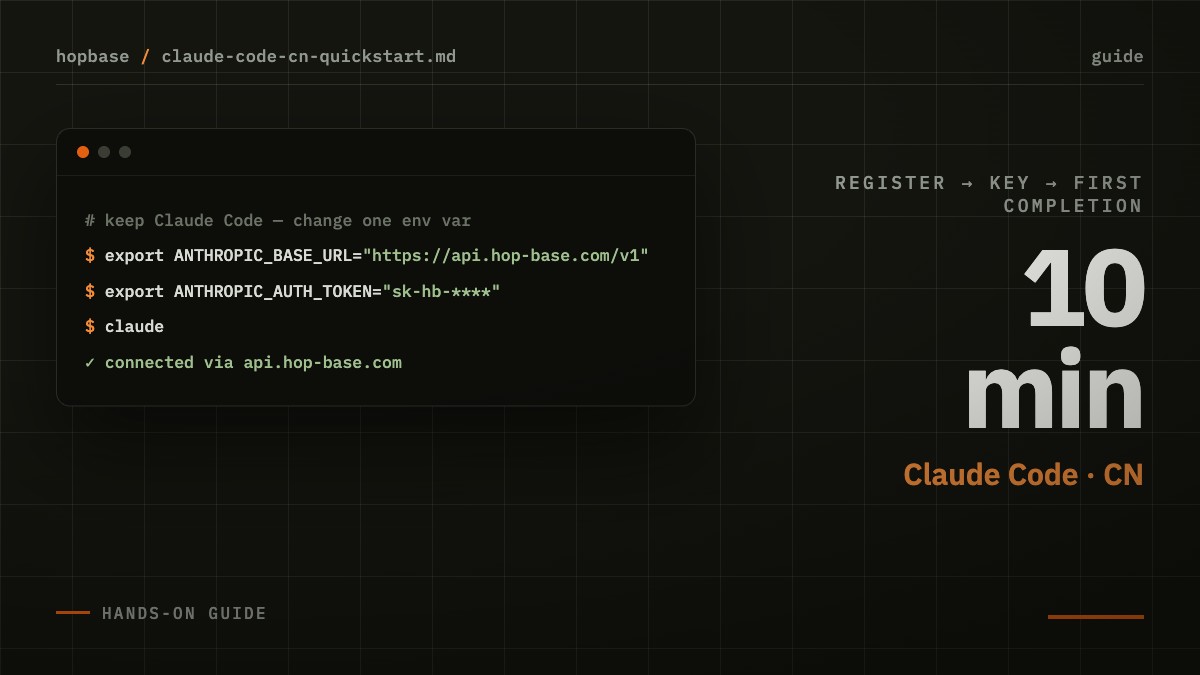
Claude Code is widely recognized as the best AI coding tool available, but direct connections to the official API from certain regions can be flaky: timeouts during peak hours, connections dropping mid-request, accounts mysteriously getting rate-limited. This article provides a proven path tested by hundreds of users — no VPN tricks, no code changes, just two environment variables to get connected.
Why You Need a Gateway
The biggest issue with direct connections isn't "can't connect" — it's unpredictability. You can't control the jitter on cross-border routes, you can't predict upstream rate limiting, and what developers fear most is exactly that: "it was working fine five minutes ago." A gateway's job is to keep that upstream uncertainty out of your workflow: multi-source routing, automatic failover, transparent per-request billing.
A gateway's value isn't in forwarding requests — it's in shielding your workflow from upstream uncertainty.
Three-Step Setup
First, register and log into the console, then create a new API Key in the "API Keys" page. Second, set two environment variables in your terminal:
# Two environment variables — Claude Code connects to the gateway
export ANTHROPIC_BASE_URL=https://api.hop-base.com
export ANTHROPIC_AUTH_TOKEN=your-key-here

claude   # Use normally — usage shows up in the console in real time
Third, run claude and start a conversation. If autocompletion works normally, you're done. To make it permanent, add these two lines to ~/.zshrc or ~/.bashrc.
Three Common Pitfalls
- Environment variables not taking effect: After editing your shell config, open a new terminal or run
source; terminals launched from your IDE might not read your shell config. - Key permissions don't match: Each key is tied to one billing group. If you get a "model not available" error, check the console to confirm that group includes the model you need.
- Corporate proxy interference: Enterprise HTTPS proxies sometimes rewrite request headers. If you see weird 401/403 errors, test in an environment without a proxy first.
Choose Your Group by Use Case
One key can use all models in its assigned group. Different groups have different pricing and routing strategies:
| Group | Best for | Highlights |
|---|---|---|
| Stable | Daily development, production | Multi-source routing, automatic failover |
| Fast | Interactive, heavy conversation | First-token latency priority |
| Economy | Batch jobs, offline processing | Lowest per-token price |
Verification and Transparent Billing
After one request, the usage page in your console shows a record immediately — model, token count, cache hits, and cost all aligned. Tokens that hit prompt cache are billed at a steep discount; conversational tools like Claude Code typically see cache hit rates well above 60%, so your actual cost often comes in lower than you'd estimate from list prices.