 HopBase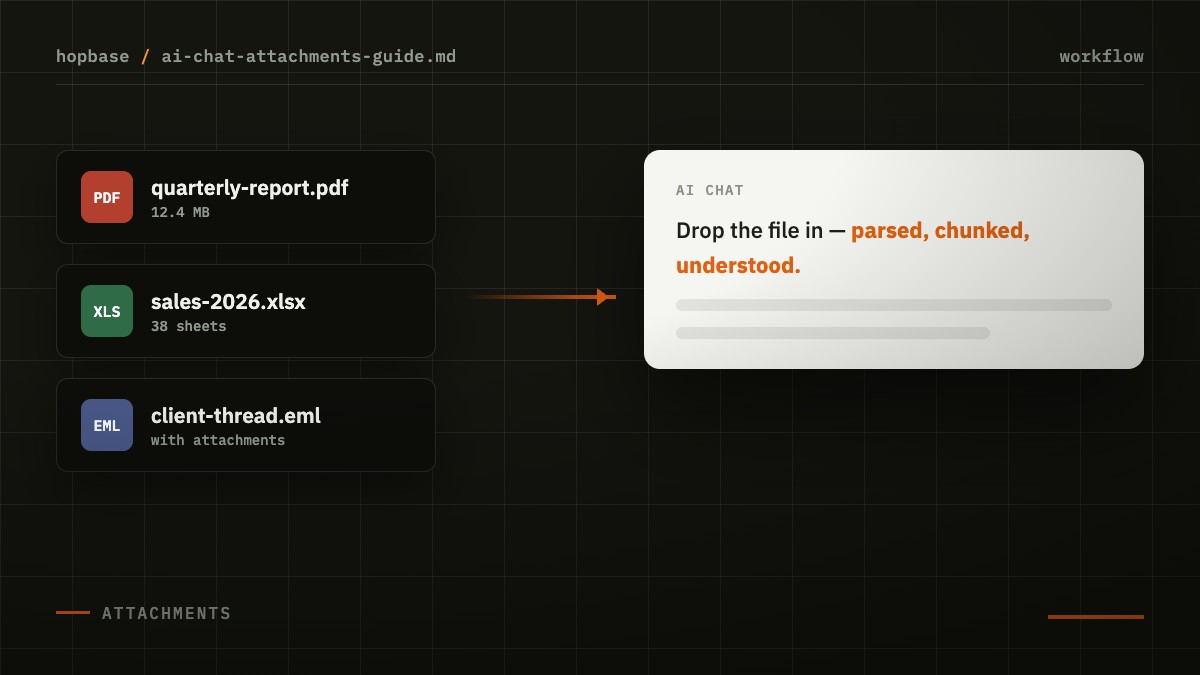
"Summarize this report for me" or "what's in this PDF?" — throwing files directly at an AI is the most natural thing. Our AI Chat conversation workspace supports images, PDFs, Excel, email, and web attachments. This article covers what each type can do, where the limits are, and a few techniques that noticeably improve parse quality.
How We Handle Each Type
| Attachment Type | Processing | Tips |
|---|---|---|
| Images (screenshots, photos) | Auto-compress, then straight to vision | Frame one main topic per screenshot |
| PDF (text-based) | Parse text and layout page by page | For long PDFs, guide with specific page numbers |
| PDF (scanned) | Handle as image, use vision | Quality matters; straighten tilted pages first |
| Excel / CSV | Parse into structured table data | Clean headers and one topic per sheet works best |
| Email (.eml) | Parse body and metadata | Include attachments too — let the model see full context |
| Web links | Fetch and extract main content | Behind login walls? Export first and upload instead |
Three Techniques That Improve Results
- Question first, file second.Say "I want X from this spreadsheet" before uploading. Models reading documents with a clear goal in mind are far more focused than models that read first and get asked later.
- Split large files into focused chunks.There's a 30MB guard rail, but more importantly: sending ten sheets at once is worse than asking about each topic in sequence. Each turn stays focused on one question.
- Be explicit about output format."Output as a Markdown table with columns: Item, Amount, YoY Change" — specific format requests let summaries flow straight into your workflow.
A Real-World Workflow Example
Monthly business review: upload last month's and this month's Excel side-by-side. Turn 1: "align both reports' categories, list the biggest variance." Turn 2: drill into the top three deltas with follow-ups. Turn 3: have it draft an executive summary for your boss. No data exports, no spreadsheet formulas, ten minutes instead of half a day.
Attachments work across all major models — switch models, keep your workflow. That's the advantage of stacking tools on a gateway.