 HopBase
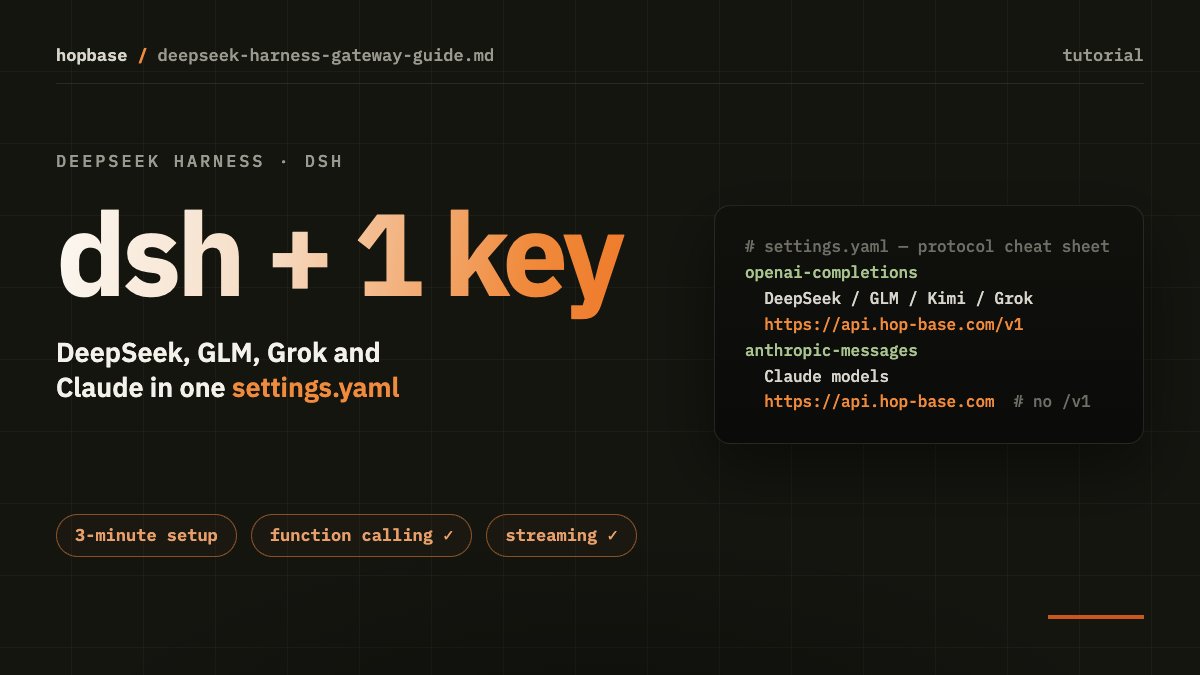
The short answer: to run DeepSeek Harness (dsh) through HopBase, add one custom provider to $DSH_HOME/settings.yaml with api: openai-completions, baseURL: https://api.hop-base.com/v1 and apiKeyEnv: HOPBASE_API_KEY, list the model IDs you want, then export HOPBASE_API_KEY=sk-your-key before launching; the dsh Web UI accepts the same three values under Settings → Models → Add a custom provider. Because dsh is model-agnostic, one gateway lets the same install run DeepSeek, GLM, Kimi, Grok, GPT and Claude side by side, with quotas, call auditing and cost attribution in one console. Two protocol exceptions matter: grok-4.20-multi-agent needs openai-responses, and Claude models need anthropic-messages with the base URL https://api.hop-base.com (no /v1), otherwise you get a 404. If a model is not found, take the exact IDs your key can use from GET /v1/models. Function calling and streaming usage reporting were verified end to end against the production gateway.
DeepSeek Harness (dsh) is DeepSeek's official open-source agent runtime, released on 13 August 2026 alongside V4-Pro and passed 100,000 GitHub stars within two days. Its design philosophy fits in one sentence: everything is a plugin — including the agent loop itself. That makes dsh less a fixed coding assistant and more a modular runtime for building coding agents.
Why put a gateway behind dsh
dsh is model-agnostic: a custom provider needs just a base URL, a protocol and model IDs. Connecting to every vendor directly means juggling keys, invoices and network paths; through one HopBase gateway the same dsh install runs DeepSeek, GLM, Kimi, Grok, GPT and Claude side by side, with quotas, call auditing and cost attribution in one console.
Three-minute setup
Add a provider to $DSH_HOME/settings.yaml:
providers:
  hopbase:
    api: openai-completions
    baseURL: https://api.hop-base.com/v1
    apiKeyEnv: HOPBASE_API_KEY
    models:
      - id: deepseek-v4-flash-202605
      - id: glm-5.3
      - id: grok-4.6
Export the key before launching: export HOPBASE_API_KEY=sk-your-key. Prefer a UI? In dsh Web UI go to Settings → Models → Add a custom provider and fill in the same three values; take model IDs from GET /v1/models.
Protocol cheat sheet
| Model family | api | baseURL |
|---|---|---|
| DeepSeek / GLM / Kimi / Grok / GPT chat | openai-completions | https://api.hop-base.com/v1 |
| grok-4.20-multi-agent (Responses-only) | openai-responses | https://api.hop-base.com/v1 |
| Claude models | anthropic-messages | https://api.hop-base.com (no /v1) |
What we verified
The two things agents depend on are verified end to end against the HopBase production gateway: function calling (dsh-shaped tool requests return proper tool_calls) and streaming usage reporting (the final chunk carries full usage; billing reconciles line by line with the provider-reported usage).
Quick troubleshooting
| Error | Cause | Fix |
|---|---|---|
| 404 "platform does not support this API path" | Claude model on the OpenAI protocol | Use anthropic-messages with the base URL without /v1 |
| model not found / 503 | Model not in any of your key's groups | Use the exact IDs from GET /v1/models |
| 401 invalid api key | Truncated key or stray whitespace | Re-copy the key from the console |
Full parameters and more clients in the DeepSeek Harness integration guide; sign up to create a key and start.