NEW GPT-6.2 is live: Astra and Sol, 1.05M context, from $2 / $10 per 1M tokens View pricing
HopBase

AI Image to Video · Bring your photos to life

Use an image as the first frame to generate a short video with camera movement and natural motion. Great for product showcases, animated posters and social clips.

▶ Try in Studio

Examples

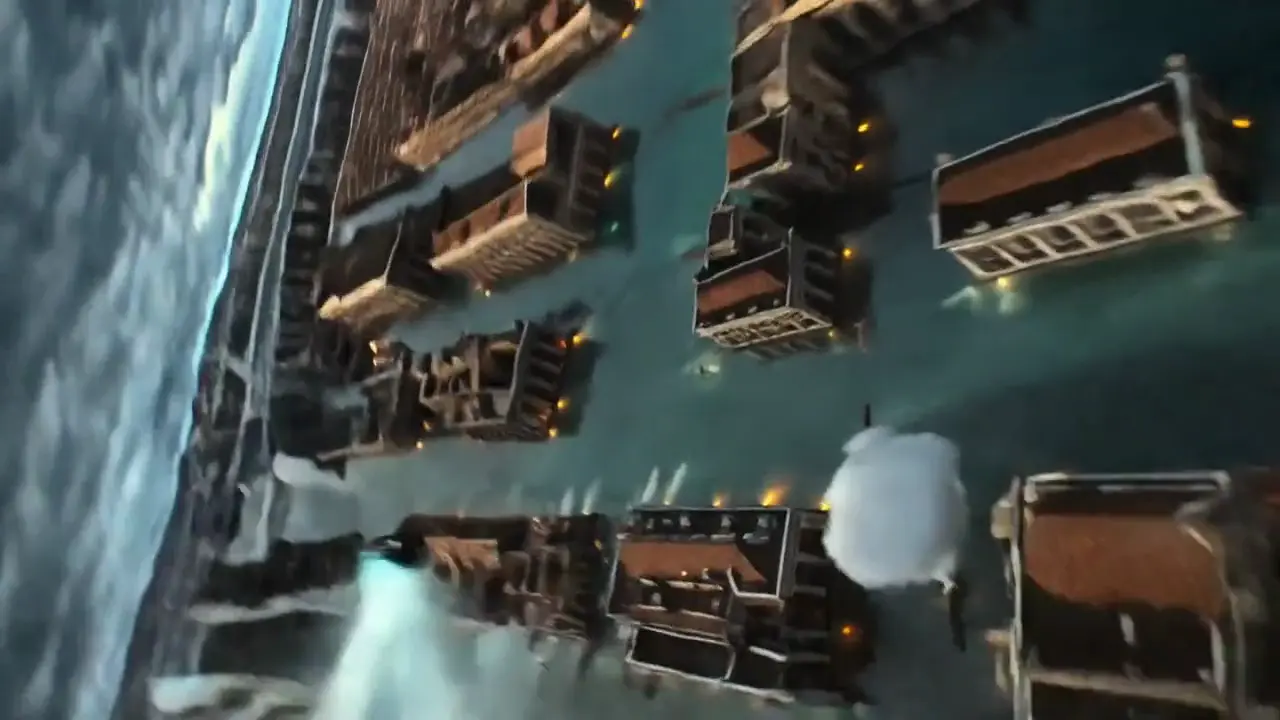
Flying through a water city · one continuous shot▶

Flying through a water city · one continuous shot

Seedance 2.5 · Official sample

One continuous aerial shot gliding low over an ancient water town at dawn: through a stone bridge arch, along canals lined with lanterns, rising over tiled rooftops into morning mist. Smooth drone motion, no cuts.
Use in Studio →
Aerial shot of a rainy cyberpunk city▶

Aerial shot of a rainy cyberpunk city

Grok Imagine Video

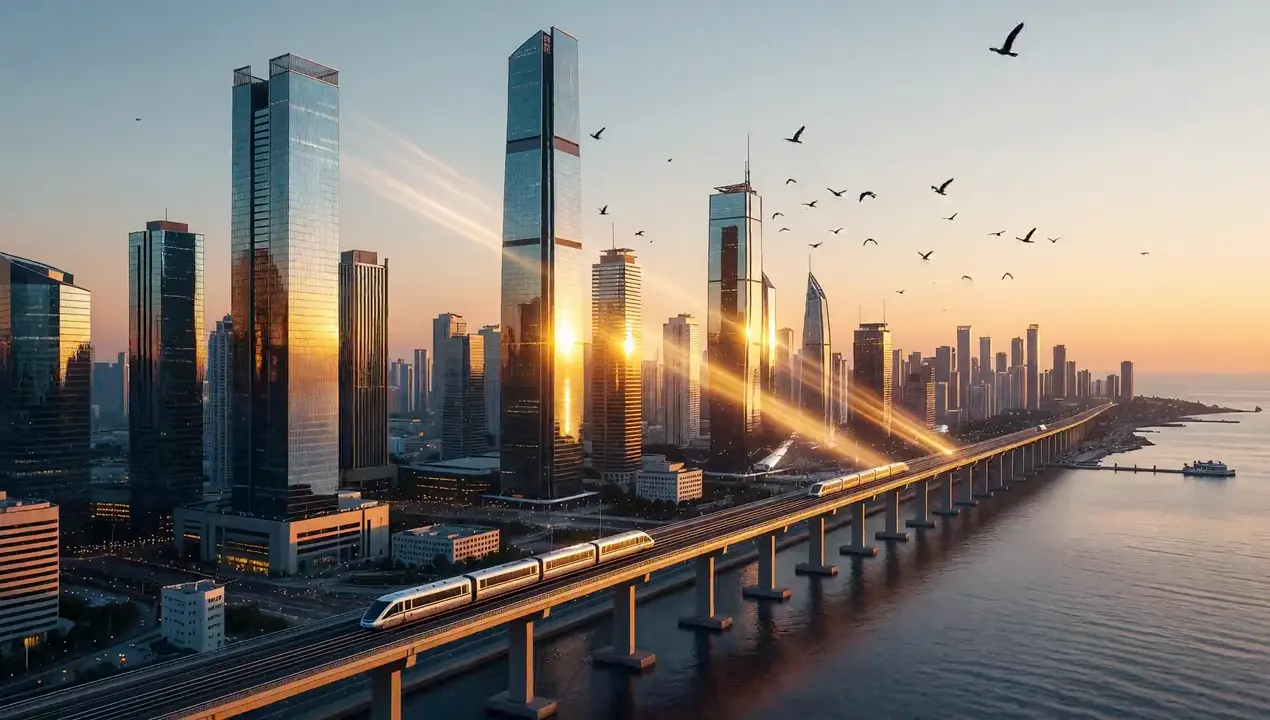
Cinematic aerial shot of a futuristic city at dusk, storm clouds, wet highways glowing with traffic light trails, a sleek concept car in the foreground. Moody teal and orange grade.

Use in Studio →
Snow-mountain eagle sweeps past the camera▶

Snow-mountain eagle sweeps past the camera

Wan 3.0

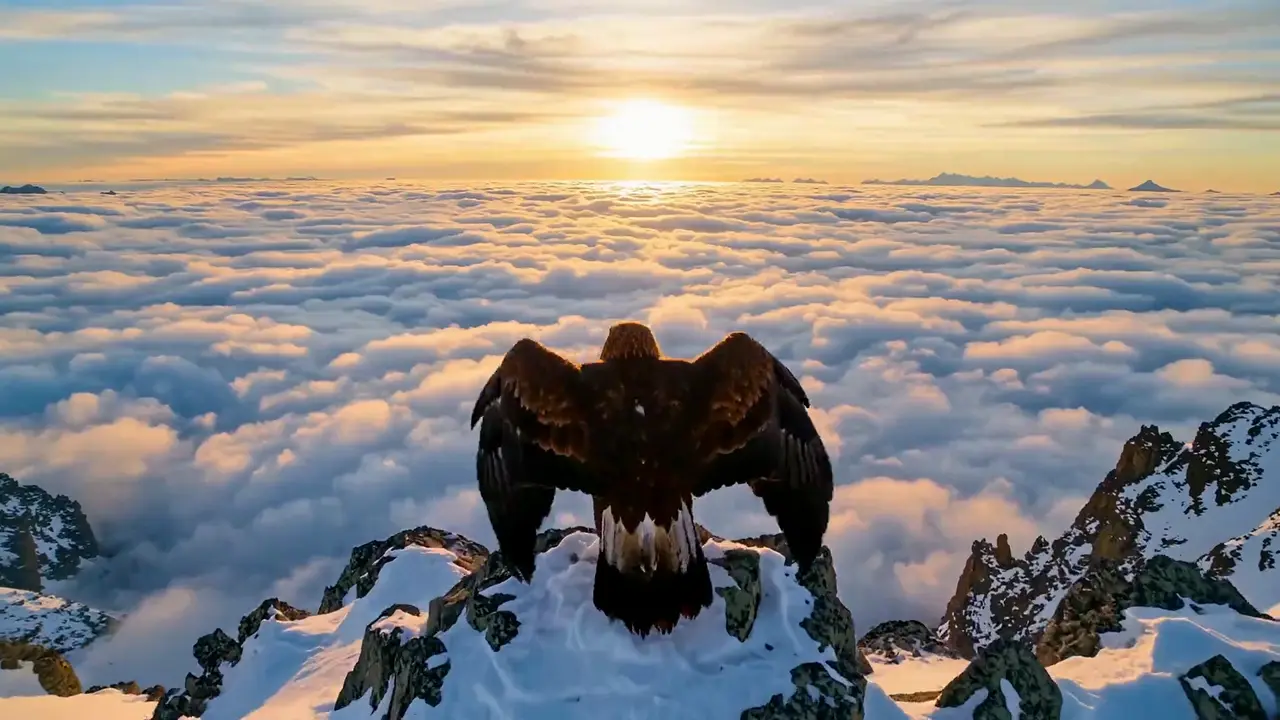
A golden eagle soars past snow-capped peaks, the camera follows alongside then the bird banks sharply toward the lens. Crisp morning light, wildlife documentary style.

Use in Studio →

Done in 3 steps

  1. 1
    Upload an image

    Drag or paste an image into Creative Studio — a phone photo works fine.

  2. 2
    Click "Bring it to life"

    The model (Seedance 2.5 / MiniMax H3 / Wan 3.0 recommended) and prompt are filled in automatically.

  3. 3
    Tweak a word or two, send

    Edit the prompt to adjust details. Failed generations aren't charged.

Preset prompt

Bring this image to life: slow cinematic push-in, subtle natural motion in hair, fabric and light, keep the original composition and style.

Tips

  • Spell out the camera move in your prompt: push in, pull out, orbit, tracking
  • Need sound? Describe it (ambience / dialogue). If not, turn audio off for faster results
  • For character close-ups use Seedance; for speed pick Grok

FAQ

Do I need to write my own prompt for Bring it to life?

No. The skill comes with a preset prompt and recommended model — just upload your image and send. Edit the text if you want to fine-tune.

Can I use it via API?

Yes. Send the prompt below with your image to the recommended model (model: dreamina-seedance-2-5) using the same HopBase API key.

Can I use the results commercially?

You own what you generate. Make sure you have the rights to the photos you upload — don't upload other people's likenesses or copyrighted characters.

Other skills