AI Outpainting · Expand any image to 9:16 vertical in one click
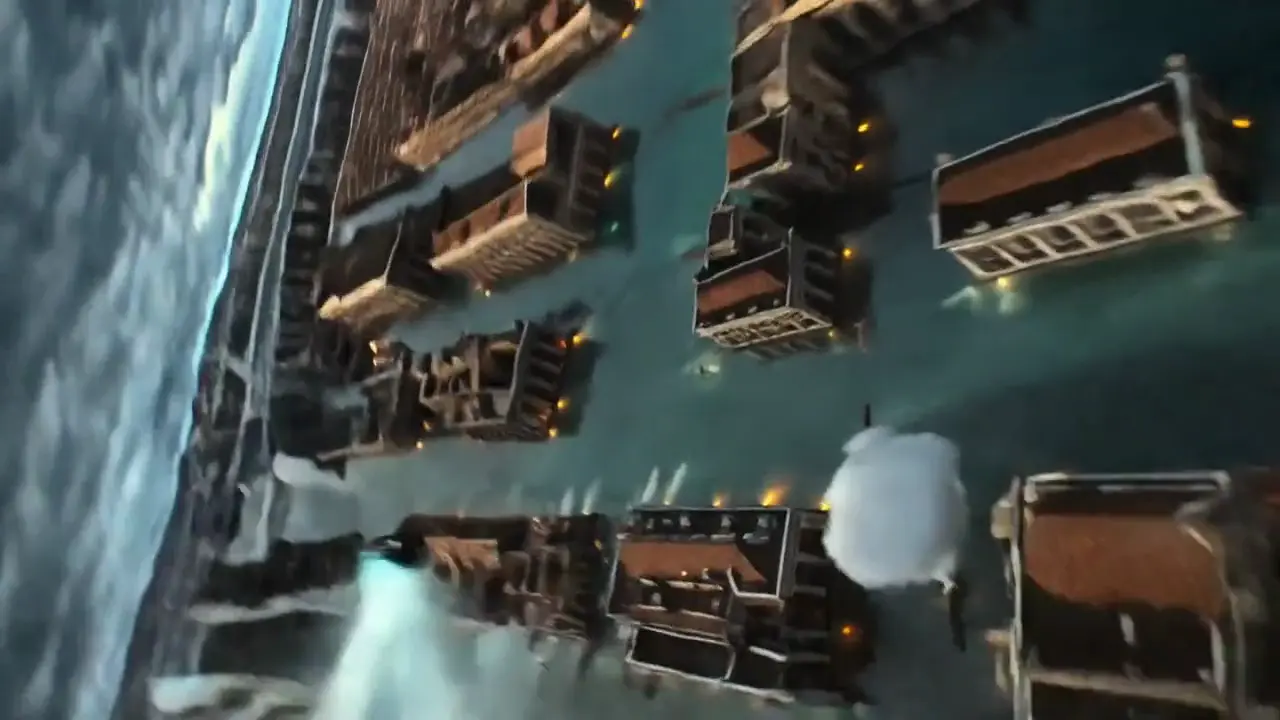
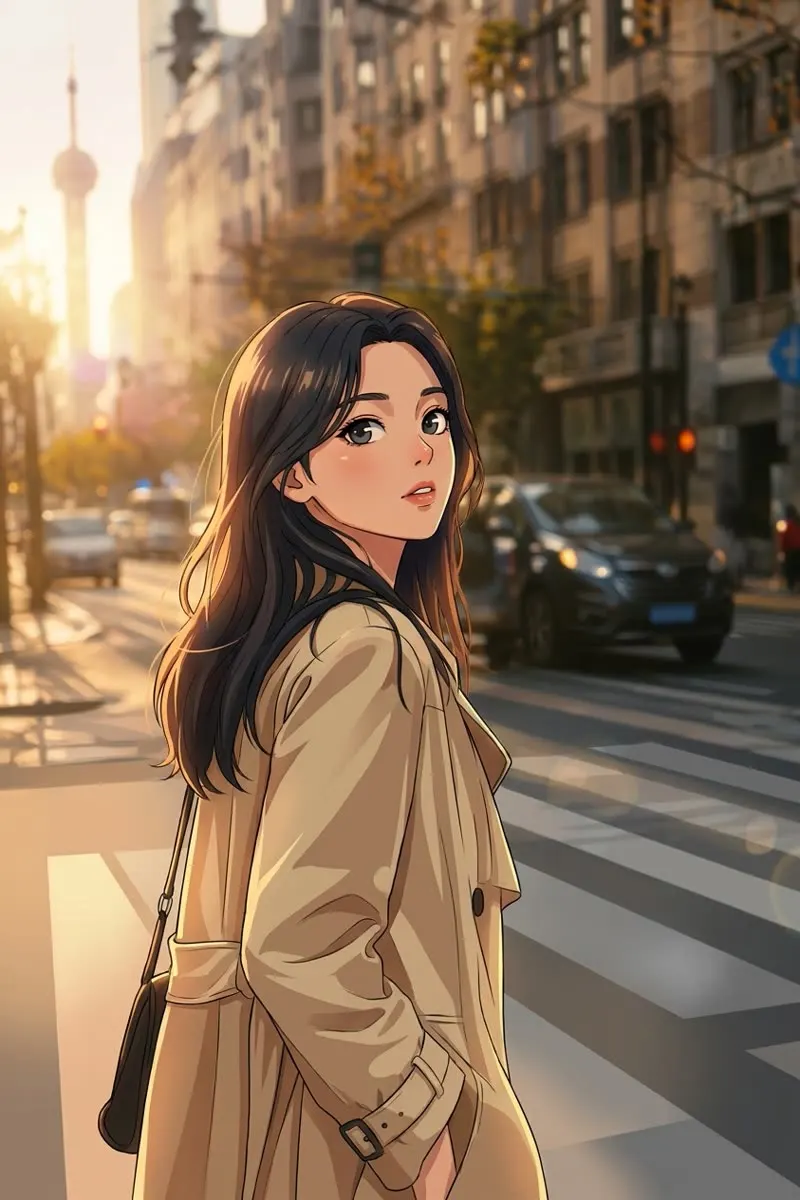
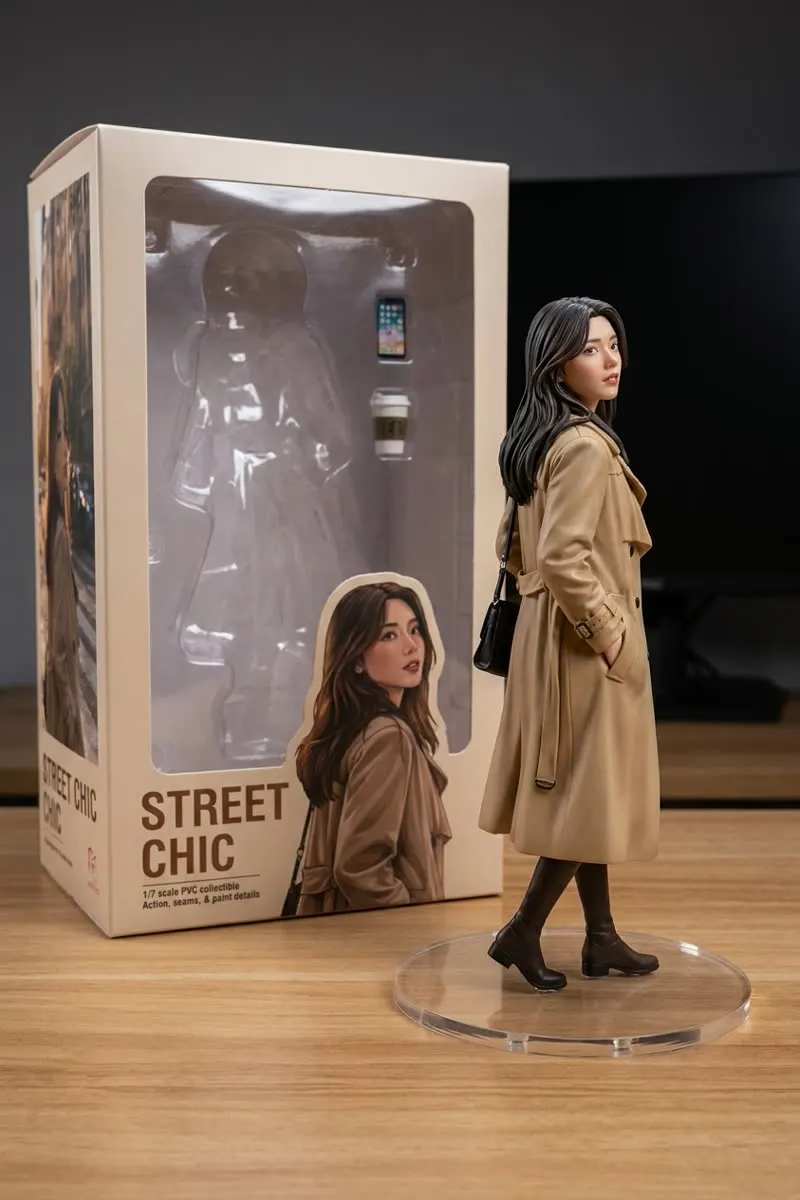
Extend the image up and down to turn a landscape or square image into a 9:16 vertical, leaving the original content untouched. Great for turning posters into phone-screen versions or short-video covers.
Examples
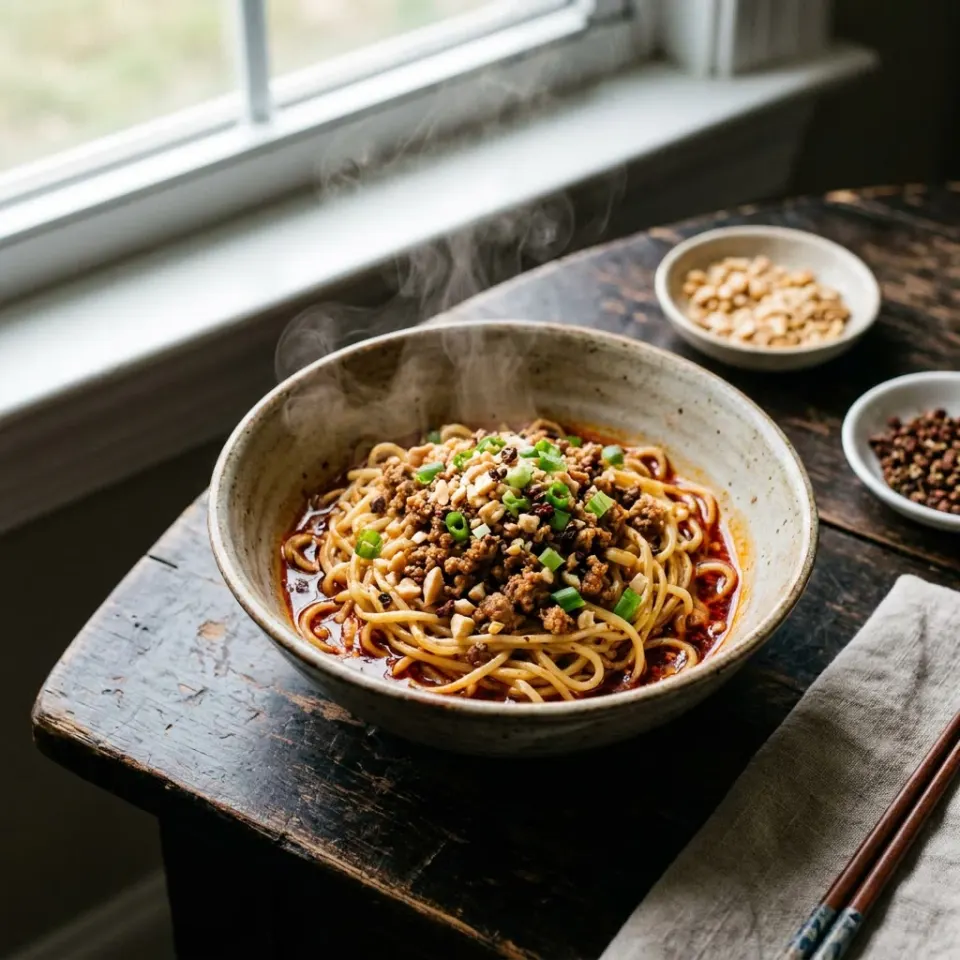
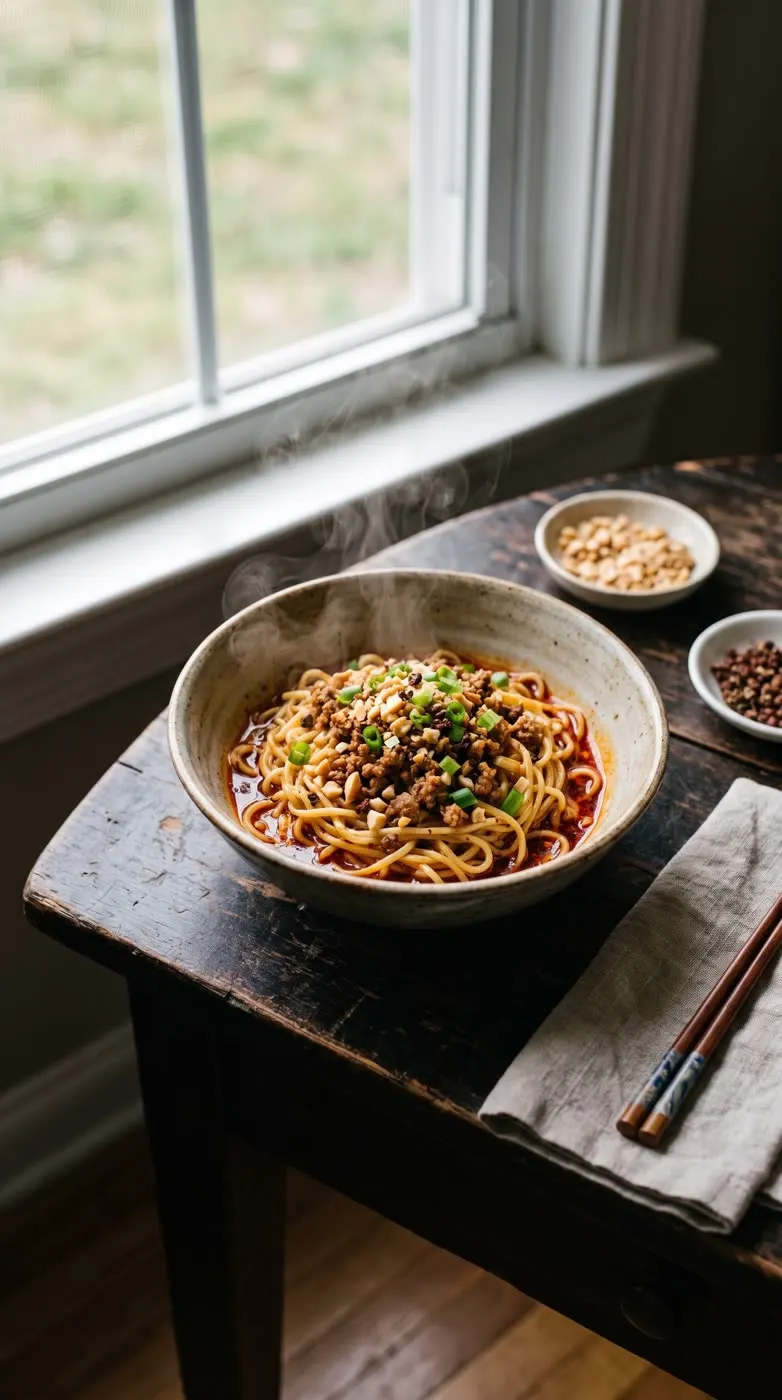
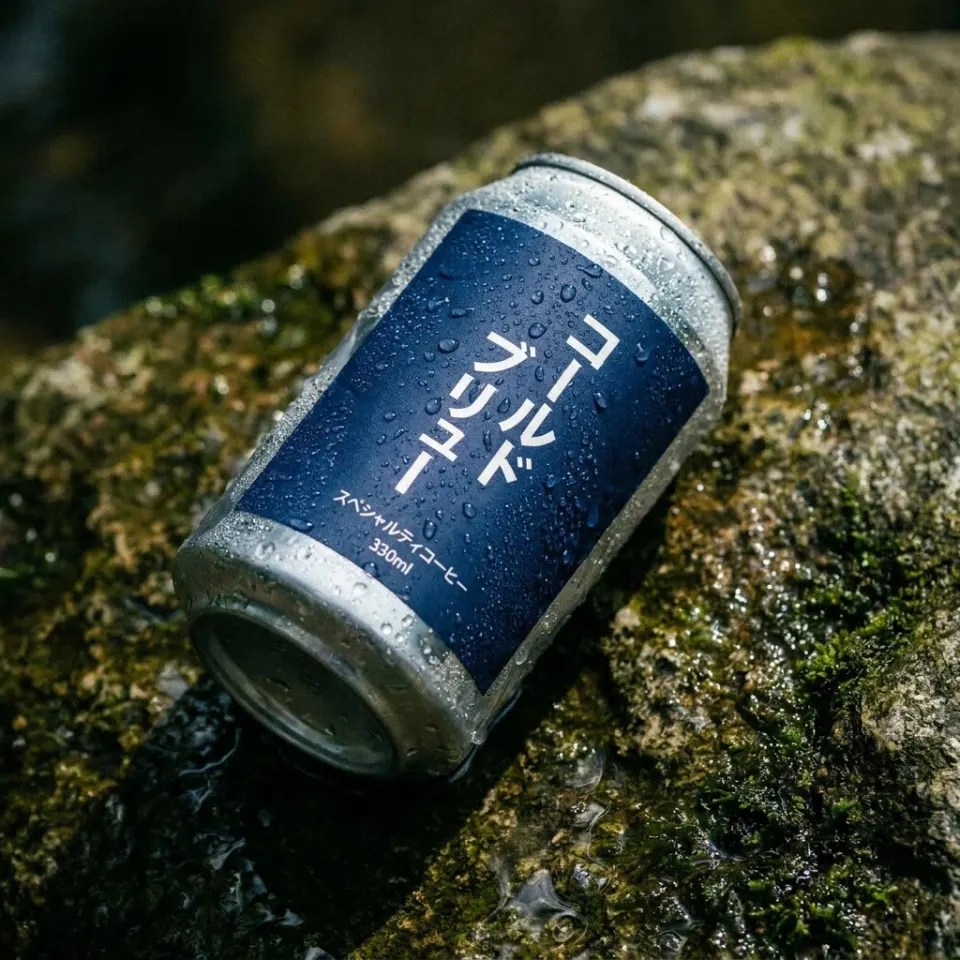
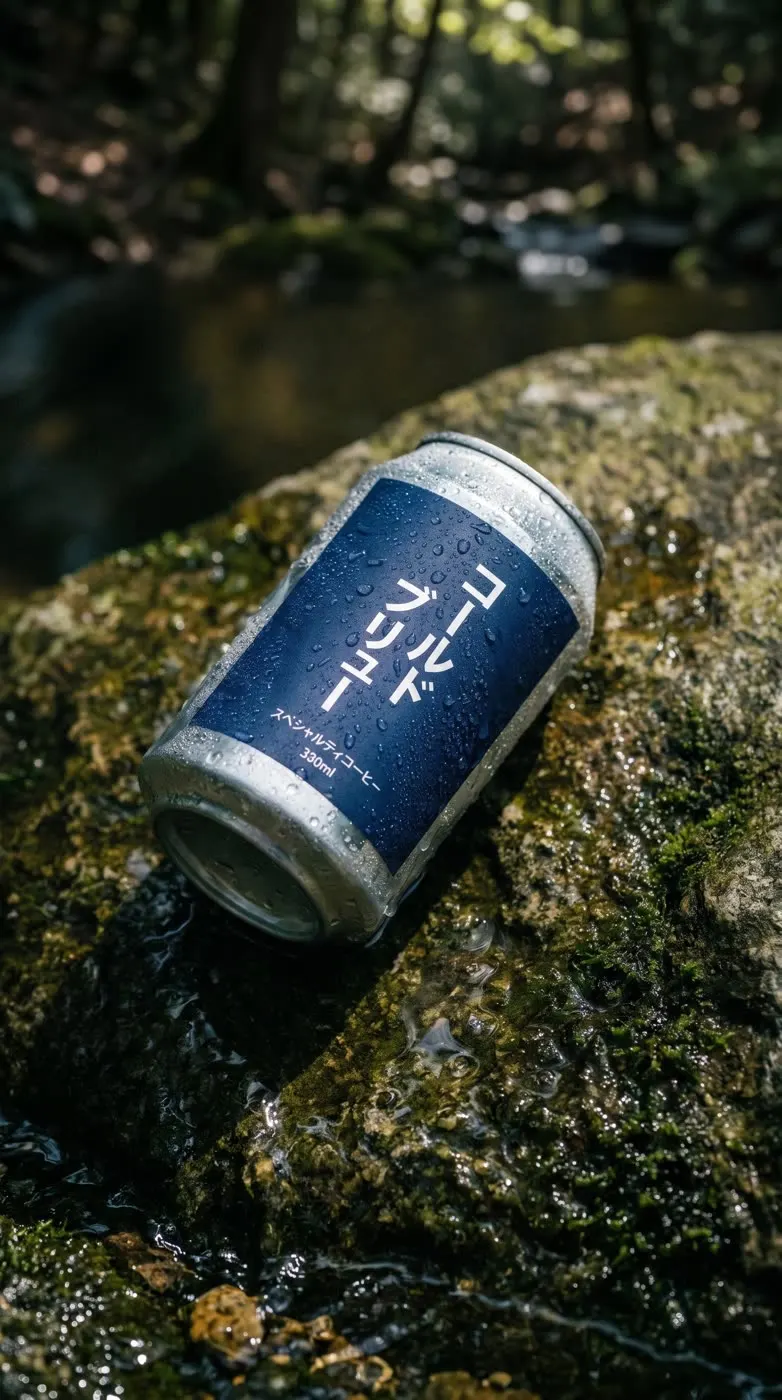
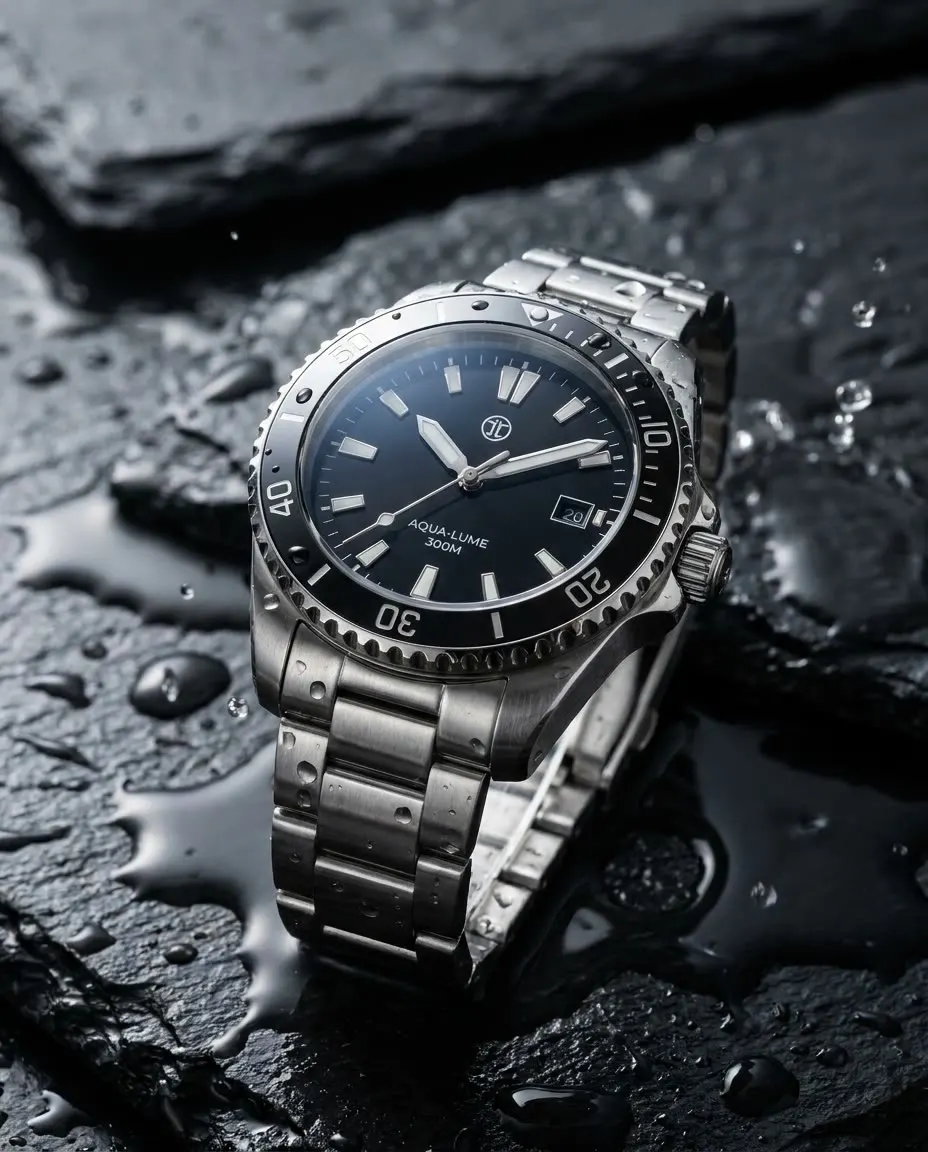
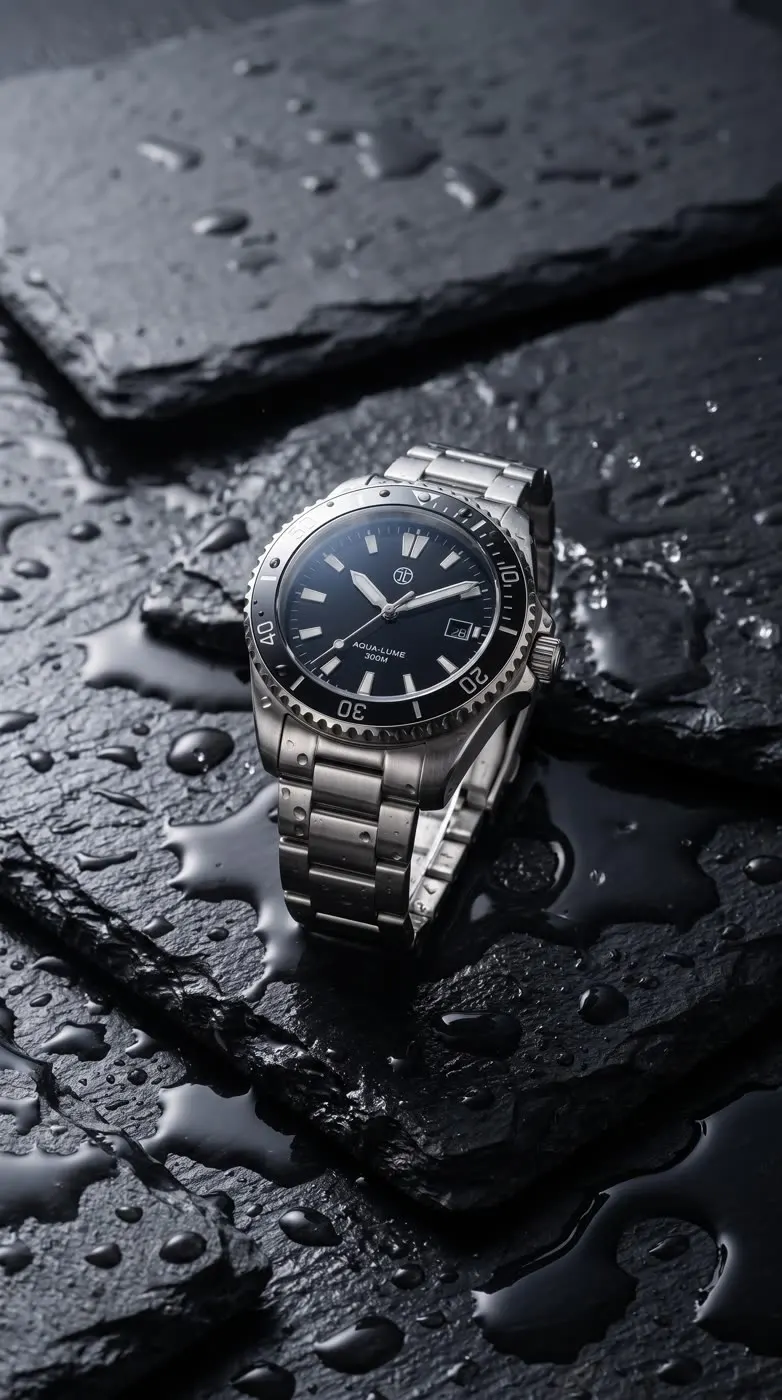
Done in 3 steps
- 1Upload an image
Drag or paste an image into Creative Studio — a phone photo works fine.
- 2Click "Expand to vertical"
The model (Banana Pro / GPT Image 2.5 recommended) and prompt are filled in automatically.
- 3Tweak a word or two, send
Edit the prompt to adjust details. Failed generations aren't charged.
Preset prompt
Extend this image to a 9:16 vertical frame, continuing the scene naturally above and below, matching the original style and lighting. Do not change the existing content.
Tips
- Expansion looks most natural when the subject is centered
- Want specific content in the expanded area? Say so in the prompt (e.g. "clear sky above")
- After expanding, use 「Bring it to life」 to turn it into a vertical video
FAQ
Do I need to write my own prompt for Expand to vertical?
No. The skill comes with a preset prompt and recommended model — just upload your image and send. Edit the text if you want to fine-tune.
Can I use it via API?
Yes. Send the prompt below with your image to the recommended model (model: gemini-3-pro-image) using the same HopBase API key.
Can I use the results commercially?
You own what you generate. Make sure you have the rights to the photos you upload — don't upload other people's likenesses or copyrighted characters.